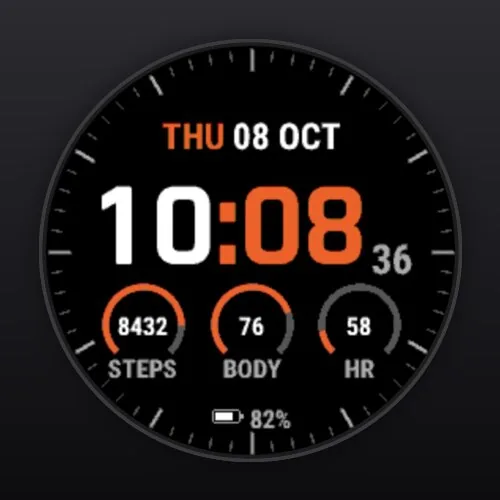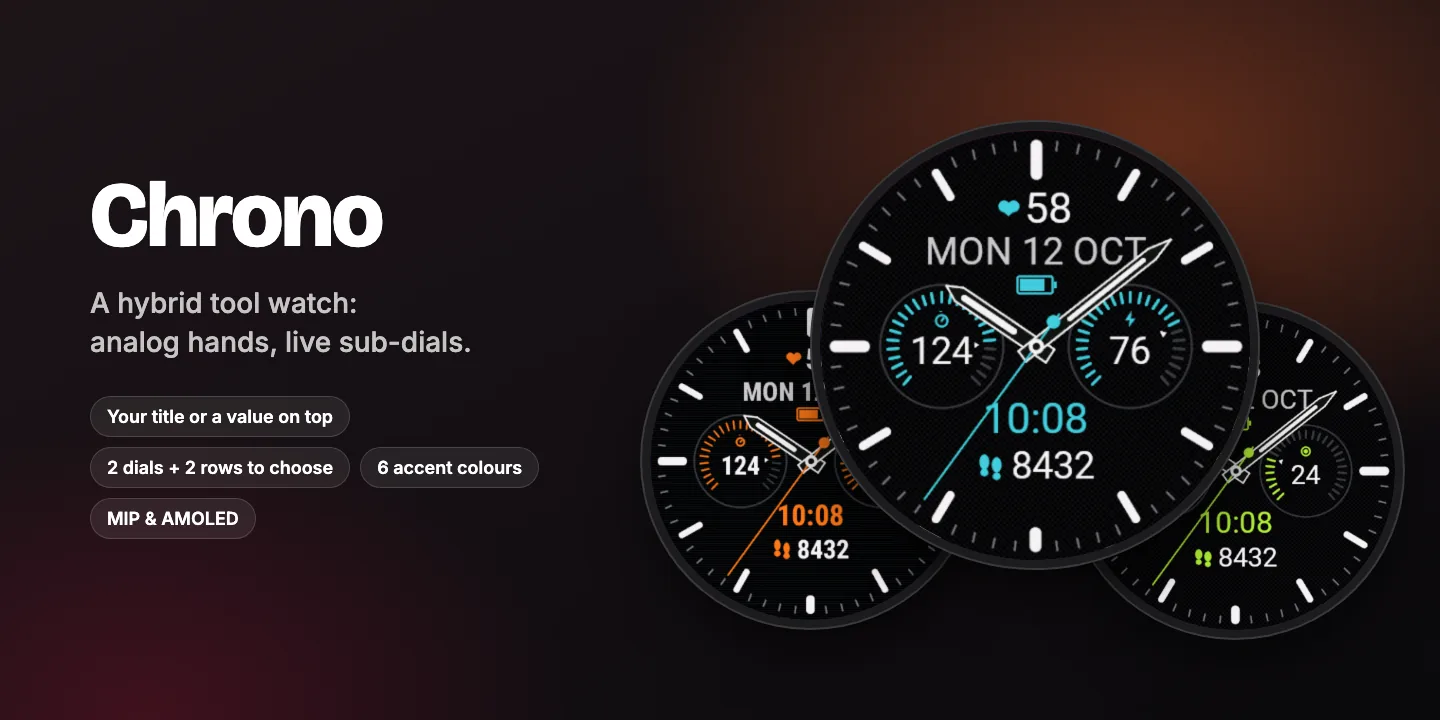
← All watch faces
Chrono
A hybrid tool watch with your name – or your training status – on the dial.
Bold analog hands with lume, two live sub-dials side by side, digital time and steps below, and your title or a live value on top.
- Your title or a live value on top
- Training status on the dial
- Two sub-dials, digital time below
- 6 accent colours
$1.99one-time purchase
Coming soon to Connect IQWant to try it first? Chrono Lite is free in the Connect IQ Store, with the same design and fewer options.
Everything in Chrono
Top line
- Your own text up to 12 characters: name, club or motto
- Or a live value: training status, heart rate, steps, Body Battery, battery, weather, sunrise / sunset, calories, stress, distance, floors, intensity minutes, VO2 max, recovery time
Left and right sub-dial
- Steps
- Body Battery
- Heart rate
- Stress
- Calories
- Intensity minutes
- Watch battery
- Floors climbed
Two rows below the dials
- Digital time without seconds, in the accent colour (default)
- Today’s steps with a matching icon (default)
- Or: distance, temperature, next sunrise or sunset, 7-day steps, calories, floors, heart rate
Dial
- Analog hands with lume
- Hour and minute track
- Large date with the battery underneath, in the accent colour (red below 20 %)
- 6 accent colours: cyan, orange, lime, red, gold, white
- Woven, brushed or plain black texture (AMOLED)
- Seconds hand on/off (shown while the watch is awake)
Built for your screen
- Sharp on every round screen, from 218 px (Forerunner 255S) to 454 px (fēnix 8, Venu 3)
- MIP displays: high-contrast colours, seconds within the power budget
- AMOLED displays: dim always-on mode that shifts slightly every minute to prevent burn-in
- Values your watch does not support are shown as “--” instead of breaking the layout
Private and light
- No data collection, no tracking, no account
- One-time purchase in the Connect IQ Store, no subscription
- Settings in the Connect IQ Store app on your phone
Change the settings in the Connect IQ Store app: My Device → Watch Faces → Chrono → Settings.