← All watch facesNew
Skyshift
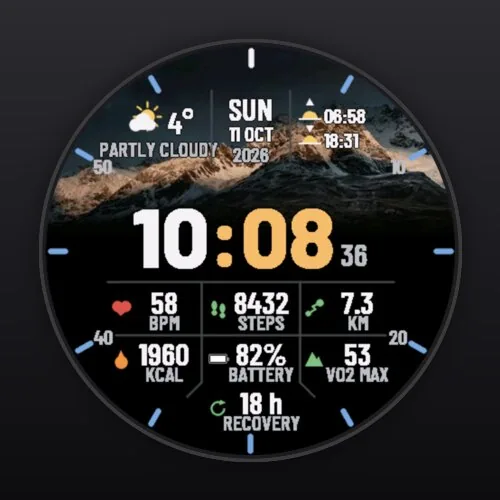
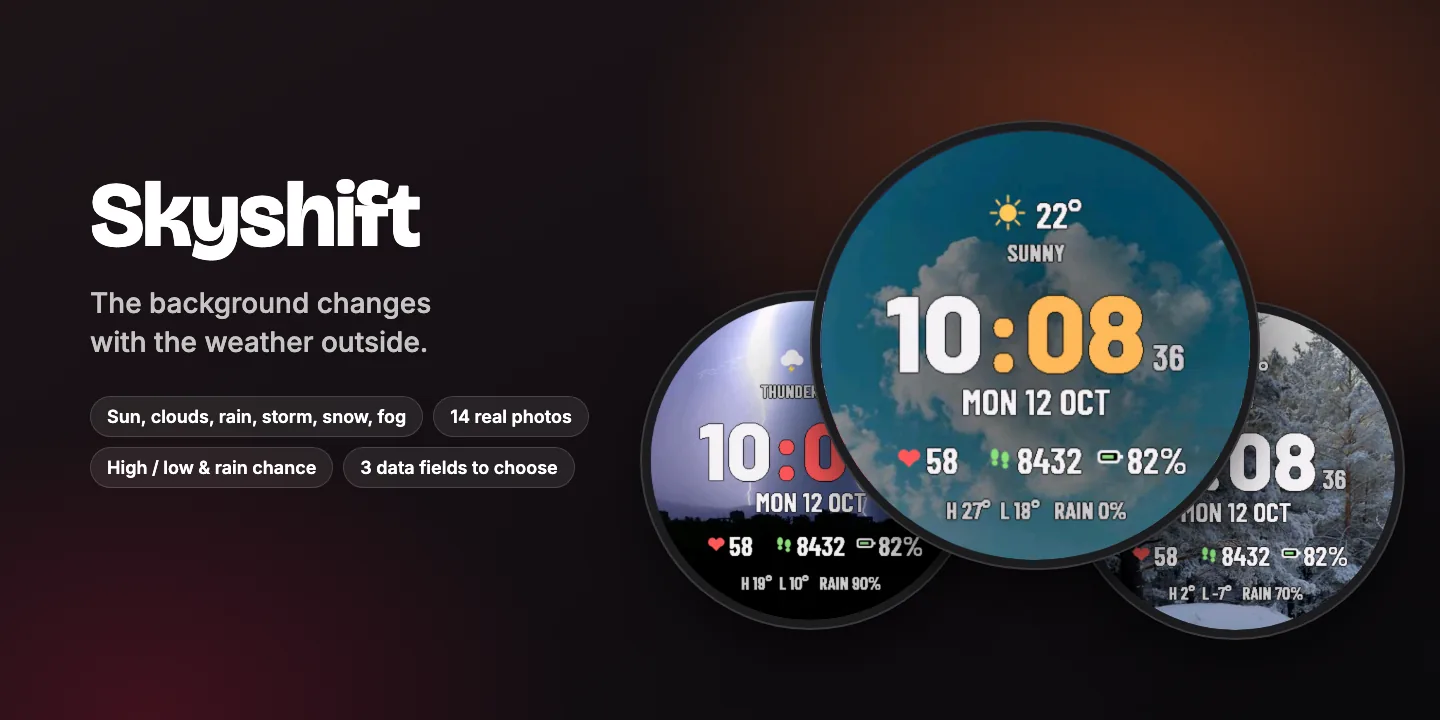
The background changes with the weather outside.
Blue sky when it’s sunny, heavy clouds when it’s grey, raindrops when it rains, lightning in a storm, snow and fog: the photo behind the time follows the weather where you are.
- Background follows the weather
- 14 real photos
- High / low & chance of rain
- 3 configurable data fields
$1.99one-time purchase
Coming soon to Connect IQWant to try it first? Skyshift Lite is free in the Connect IQ Store, with the same design and fewer options.
Everything in Skyshift
Seven kinds of weather, 14 photos
- Sunny
- Sun & clouds
- Cloudy
- Rain
- Thunderstorm
- Snow
- Fog
- Two photos for each (one on MIP watches and Forerunner 165)
Background
- Follows the local weather from your phone
- New photo every day, every hour, or always the same
- Or pin it to one weather: always sunny, always snow…
- Without a phone connection the last known weather stays
At a glance
- Weather icon, temperature and condition
- Today’s high and low
- Chance of rain
- Day and date
- Big two-tone time, seconds while awake
Three data fields, each one configurable
- Heart rate
- Steps
- Distance today
- Calories
- Watch battery
- Body Battery
- Stress
- Floors climbed
- Intensity minutes
- Next sunrise / sunset
Style
- 5 minute colours: amber, cyan, lime, red, white
- Seconds on/off
- High / low line on/off
Built for your screen
- Sharp on every round screen, from 218 px (Forerunner 255S) to 454 px (fēnix 8, Venu 3)
- MIP displays: high-contrast colours, seconds within the power budget
- AMOLED displays: dim always-on mode that shifts slightly every minute to prevent burn-in
- Values your watch does not support are shown as “--” instead of breaking the layout
Private and light
- No data collection, no tracking, no account
- One-time purchase in the Connect IQ Store, no subscription
- Settings in the Connect IQ Store app on your phone
Change the settings in the Connect IQ Store app: My Device → Watch Faces → Skyshift → Settings.
Photos from Pexels by Gije Cho, F Boro, Archer Hsu, icon0, Vladimir Srajber, Enrique, Valeriia Miller, Bade Saba, Sven Pieren, Salem Raju, Aleksandr Gorlov, Egor Komarov, Martin G and Wilson Rodriguez.