← All watch facesNew
Scanline
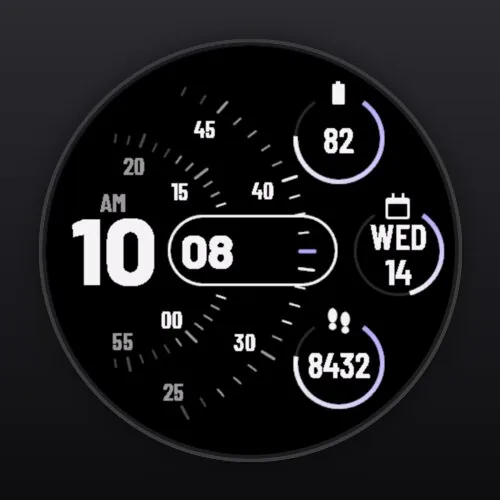
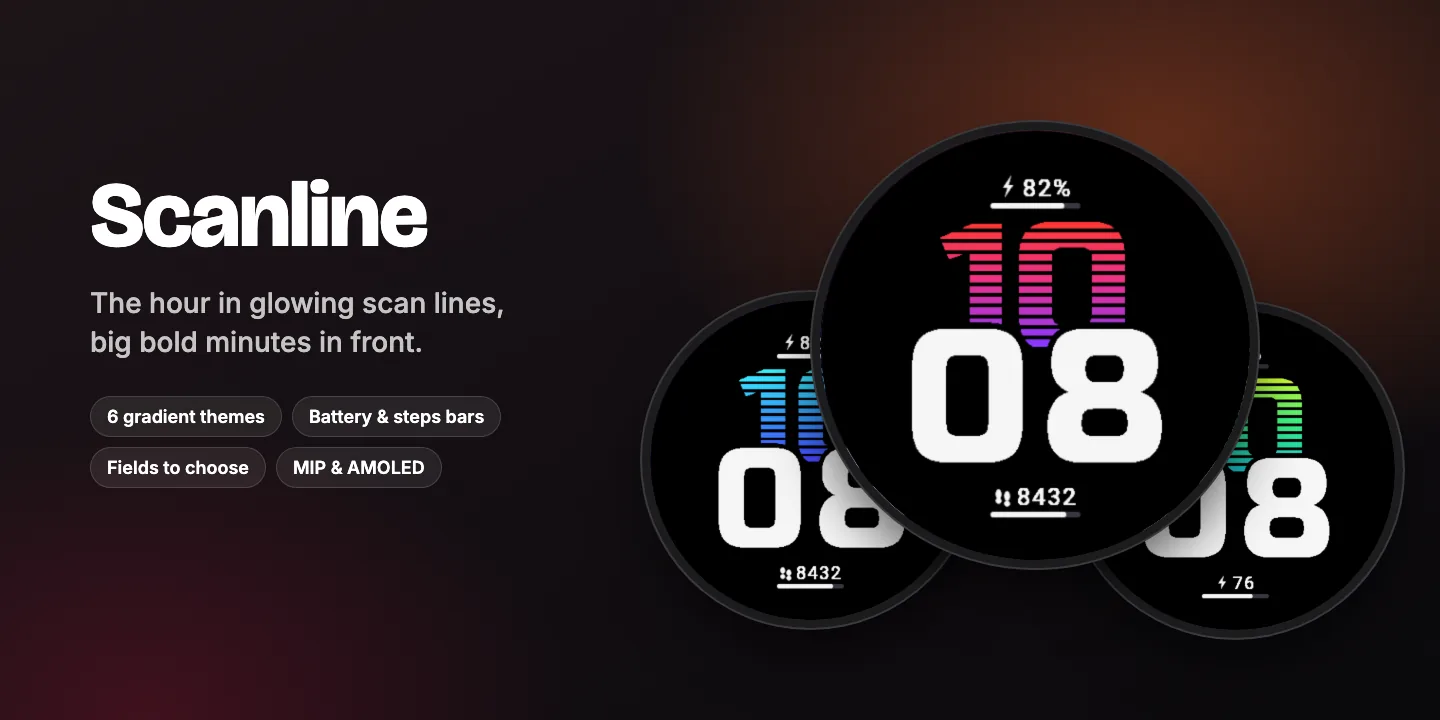
The hour in glowing scan lines, big bold minutes in front.
The hour drawn in horizontal scan lines that fade from one colour to the next, with big bold minutes cut in front of it – plus watch battery and steps, each with a progress bar.
- Gradient scan-line hour
- Big bold minutes
- Progress bars
- 6 gradient themes
$1.99one-time purchase
Coming soon to Connect IQEverything in Scanline
Time
- Hour in 12 horizontal scan lines, each a step of a three-colour gradient
- Big bold minutes in front, cut out cleanly from the hour
- 12 or 24 hours following your watch
Two fields with progress bars
- Top: watch battery with a lightning bolt by default
- Bottom: steps towards your goal by default
- Choices: watch battery, steps, calories, Body Battery, heart rate, stress, floors, intensity minutes, distance, temperature, empty
Style
- 6 gradient themes: sunset, ocean, aurora, fire, ice, mono
- Minutes in white or in the gradient’s end colour
Built for your screen
- Sharp on every round screen, from 218 px (Forerunner 255S) to 454 px (fēnix 8, Venu 3)
- MIP displays: high-contrast colours, seconds within the power budget
- AMOLED displays: dim always-on mode that shifts slightly every minute to prevent burn-in
- Values your watch does not support are shown as “--” instead of breaking the layout
Private and light
- No data collection, no tracking, no account
- One-time purchase in the Connect IQ Store, no subscription
- Settings in the Connect IQ Store app on your phone
Change the settings in the Connect IQ Store app: My Device → Watch Faces → Scanline → Settings.